




Winairlines App
The Winairlines app is our most convenient way to open the casino from your phone or computer without re-typing the website each time. Since we launched in 2025 and expanded the platform to a catalog of 6,000+ games, quick access makes a real difference in everyday play. We provide the Win Airlines app as a progressive web app (PWA), so you can create a shortcut icon and launch the casino with one tap.



Benefits and Features of the Winairlines App
We built the Win Airlines app experience to remove friction for mobile play while keeping everything familiar for desktop users. The biggest advantage is speed: the shortcut launches the casino instantly, and your account stays consistent across devices.
Here are the features that matter most in everyday play:
- A full lobby in your pocket. You can browse our game library, open promotions, and reach the cashier and support from the same interface.
- Game variety that fits mobile sessions. Players can jump into slots, table games, live dealer rooms, and fast instant formats such as crash-style titles and scratch cards.
- Providers you’ll recognize. We work with a wide range of studios, including well-known brands such as Evolution, Pragmatic Play, BGaming, and Microgaming, so you can expect polished gameplay and stable performance.
- Promotions that follow your account. Welcome offers, cashback-style rewards, and tournaments remain available whether you play on mobile or desktop.
- Security and account controls. We protect account and payment areas with encryption, and you can enable two-factor authentication. Our platform uses responsible gaming controls and offers support 24/7 via chat or email.
Mobile vs PC: mobile is usually better for quick access, touch-friendly gameplay, and shorter sessions whenever you have a spare moment. A PC (or a larger tablet) can be better for longer sessions, comparing similar titles side by side, and enjoying live tables on a bigger screen. In other words, the game selection and account functions remain the same, but comfort depends on how and where you prefer to play.
Winairlines App for Android
If you play on an Android phone or tablet, you can turn Winairlines into an “app-style” icon in seconds. Our Android solution is browser-based and can be pinned to the Home Screen like a regular application. Because it’s a PWA, there’s no app-store download and no separate installation file—your device simply saves an icon that opens our platform in an app-like view.
Some players search for Winairlines APK when they’re looking for an installer. In our case, the PWA approach makes an APK unnecessary: you still get one-tap access while staying in the official environment and avoiding third-party downloads.
In most modern Android browsers (especially Chrome), the setup is straightforward: open our website, use the browser menu, and choose the option to add the site to your Home Screen. Once the shortcut is created, you can move the icon wherever you want and launch Winairlines instantly.
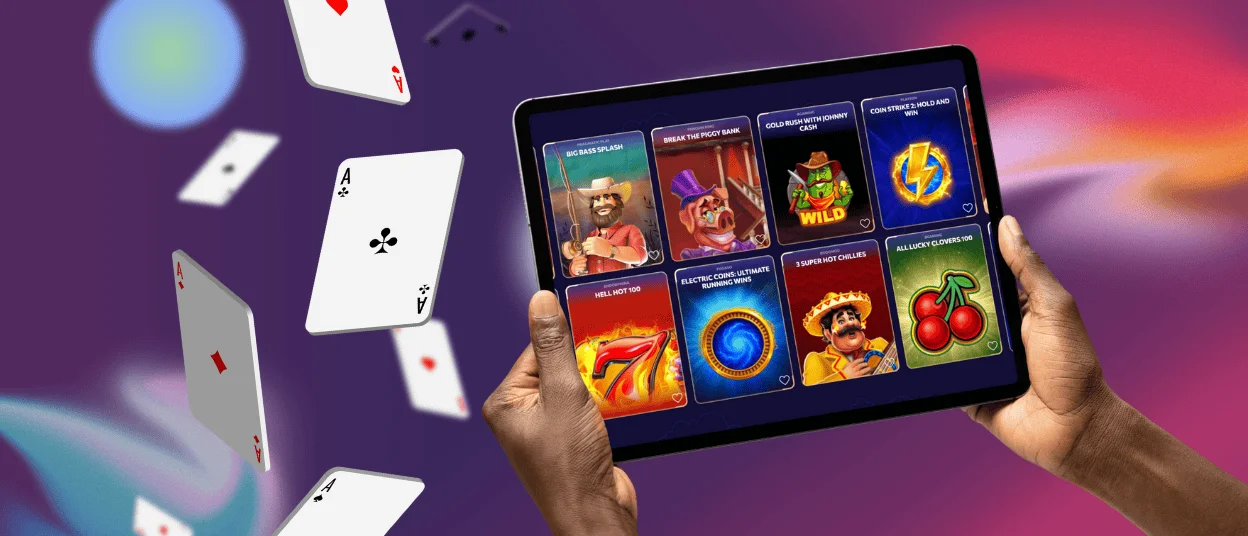
Mobile Application for iOS
On iOS, the Winairlines app works the same way: it’s a PWA you add to your Home Screen from the browser. Once the shortcut is created, you can open Win Airlines as if it were an app—without searching through tabs or bookmarks.
Players still get the essentials: account login, full access to the lobby, and the ability to claim promos and play across categories. Because it’s web-based, updates are automatic—when we improve the site, the app shortcut reflects those changes the next time you launch it. For you, that means no manual updates: you simply open the icon and play.
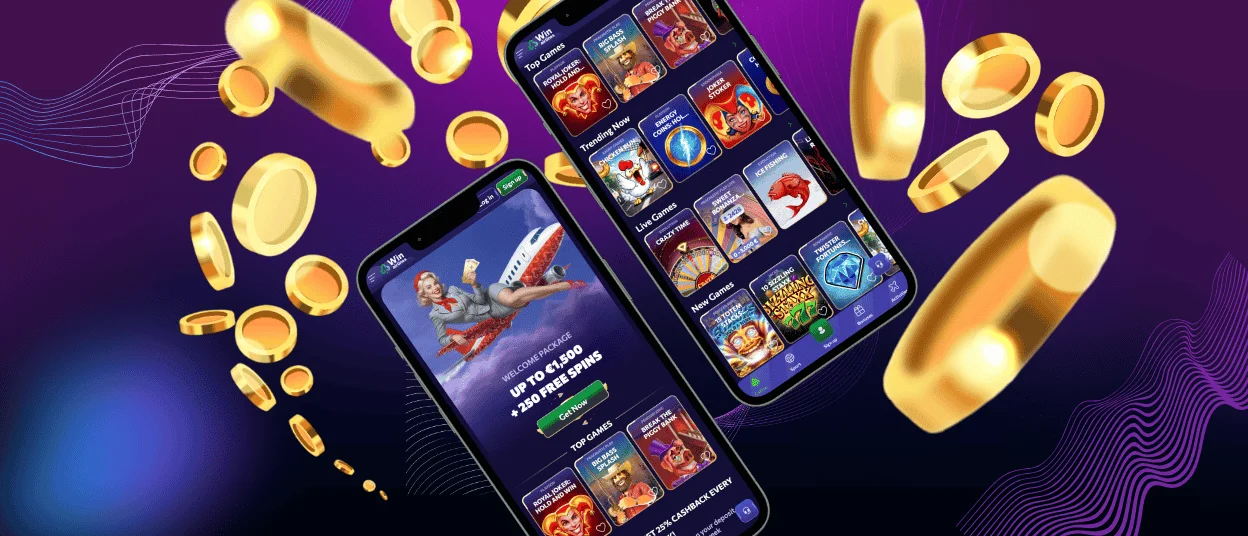
Play Winairlines on Mac or Windows
If you prefer desktop play, you can still use the “app” approach. Our PWA can be added as a shortcut on your desktop, so Winairlines opens in one click rather than making you search for it in a browser every time.
Many players choose a computer for maximum visibility: it’s easier to browse large game lists, follow promotions, and enjoy live casino streams on a bigger screen. At the same time, your account remains the same regardless of device. You can start on a desktop and continue later on mobile without losing your place.
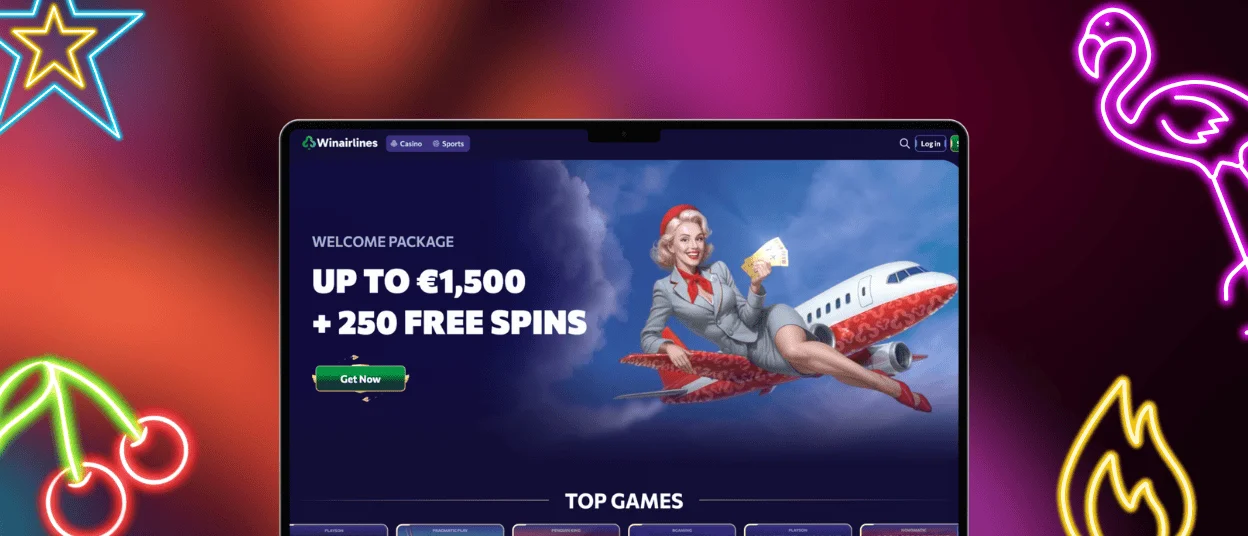
How to Install the Winairlines App on Any Device
The menus can look slightly different depending on your browser version, but the idea is always the same: open Winairlines, then add it as a shortcut so you can launch it instantly.
| Device | Recommended browser | How to add the shortcut | Result |
| Android phone or tablet | Chrome | Open Winairlines in Chrome, tap the three-dot menu, select “Add to Home Screen”, then confirm Add | A Home Screen icon that opens Winairlines in an app-like window |
| iPhone or iPad | Safari | Open Winairlines in Safari, tap Share, choose “Add to Home Screen”, then confirm Add | A Home Screen icon for one-tap access |
| Mac or Windows computer | Chrome / Edge (or another modern browser with shortcuts) | Open Win Airlines, look for “Install app” or “Create shortcut” in the browser menu or near the address bar, then confirm | A desktop shortcut that opens the casino directly |
If you remove the shortcut later, your account and balance stay untouched—players can simply add it again and sign in. And if you ever switch devices, you don’t need to “transfer” anything: just create the shortcut again and log in.
FAQ
Do I get the same games on mobile as on desktop?
Yes. We keep the same catalog and core features available across mobile and desktop, so you can switch devices without changing how you play.
Can I try games without depositing?
Yes. Certain games support a demo mode, so you can explore gameplay before funding your account.
How do promotions work in the app?
Promotions are linked to your account, not your device. If you’re eligible for a welcome offer or an ongoing reward promotion, you can activate it from the promotions area and then play on mobile or desktop as you prefer.
Is it safe to use the app shortcut for payments?
Yes. The shortcut just opens Winairlines in your browser in the same secure, encrypted setup as the regular site. If you want extra peace of mind, switch on two-factor authentication.
What if something doesn’t load correctly?
Try a quick refresh first. If it still acts up, check your browser settings—pop-ups and content blockers are the usual suspects. And if you’re still stuck, support is available 24/7 via live chat or email.


